Rings Untie: Find the Gap That Opens the Next Lock
Rings Untie: can you see what is holding the ring?
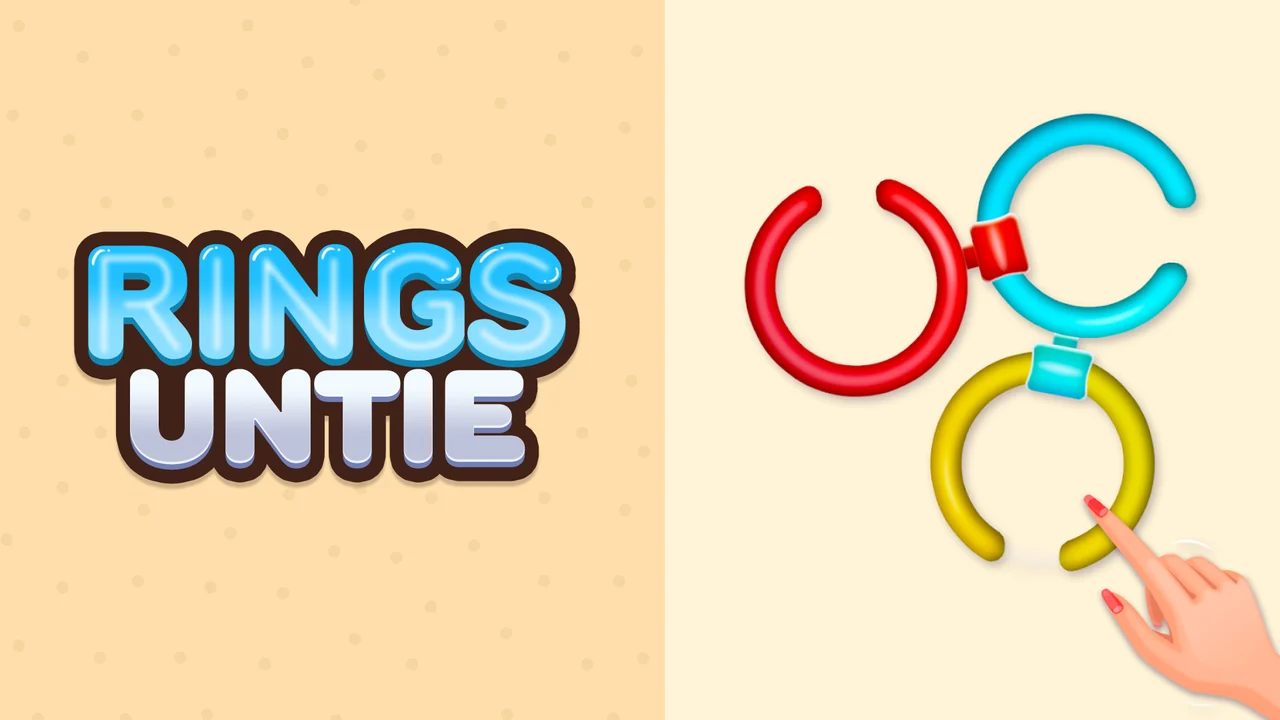
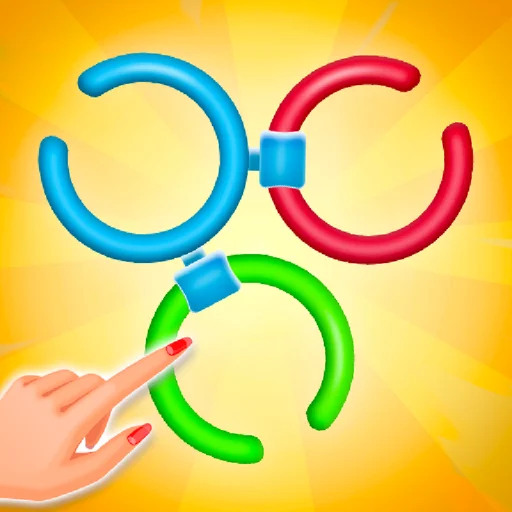
In Rings Untie, turn the open rings until their gaps meet the connections holding them together. Start with the pair in the opening lesson, watch what releases, and carry that approach into more complicated locks. Each new arrangement asks you to choose which piece can move next.
Where can I play Rings Untie free online?
Play Rings Untie in the player above. Press Play Now, let the game load, and follow the hand prompt on the first ring. You can start in your browser without downloading a separate app.
Prefer a separate game window? Open the standalone game player (opens in a new tab).
How to play Rings Untie
For your first Rings Untie move, look at the gap in the orange ring and the clip joining it to the blue ring.
- Press and hold a ring with your mouse or finger.
- Drag around the ring to bring its opening toward the connecting clip.
- Release and watch whether the ring comes free; adjust the angle if it remains attached.
- Repeat with the remaining connections until the arrangement is untied, then continue to the next Rings Untie puzzle.
Rings Untie: line up the first opening
Rings Untie locks: C, D, and S shapes
Rings Untie changes the problem by changing the lock. Start with the opening you can see, then check how far the piece can actually turn. A move that worked on a round ring may need a different approach on the next shape.
- C lock rings give you a clear gap to rotate toward a connection.
- D rings restrict the available turn, so check the range before committing to a direction.
- S rings bring a more flexible shape; follow the connected path instead of treating every piece as a circle.
- When several locks meet, look for the connection that has room to open first.
Rings Untie tips when a ring stays stuck
Make a small turn and watch the gap. If the ring stays attached, bring its opening closer to the clip and release again. Repeating a full spin makes it harder to tell which position nearly worked.
Check the neighbouring ring before trying to force a blocked move. Follow one connection at a time, and let each successful release finish before choosing the next piece. The useful feedback is a connection opening and a piece coming free.
If Rings Untie shows a countdown, use the available time on a planned sequence. Keep track of the direction you already tried so you do not spend the attempt repeating the same blocked turn.
Rings Untie controls, settings, and the skip button
Use a mouse on a computer or drag directly with a finger on a touch screen. The opening Rings Untie lesson points to the ring you should turn, so follow that prompt before experimenting with other pieces.
The gear opens settings. The skip control carries an AD label: read its prompt before using it, because skipping may require watching an advertisement. Try checking both sides of the blocked connection before spending a skip.
For a larger board, use Fullscreen in the player toolbar. If loading stalls, use Reload; the separate game window below the online play answer is another way to open Rings Untie.
Watch Rings Untie rings turn and release
Rings Untie: follow the gaps and connections
Is Rings Untie worth a try?
Choose Rings Untie if you enjoy spotting a mechanical connection, testing a turn, and adjusting from the result. The first pair gives you a quick way to decide whether that hands-on puzzle loop suits you.
Rings Untie is a good fit when you want to think about shapes and release order. If you mainly want rapid tapping, try the opening lesson first: progress comes from finding the useful angle, and extra movement alone will not open a lock.
Rings Untie questions before you play
Can I play Rings Untie on a phone?
Yes. Drag with your finger to turn the rings. Use the player toolbar to enter Fullscreen if you need a larger view.
Why does a Rings Untie ring stay attached?
Its opening may not line up with the clip yet, or another piece may block the release. Try a smaller adjustment and check the neighbouring connection.
Are all Rings Untie locks moved the same way?
No. C, D, and S shapes create different movement limits. Check the shape and its available path before turning.
Does the Rings Untie skip button use an ad?
The skip button is marked AD. Read the in-game prompt before choosing it; an advertisement may be required.
What if Rings Untie does not respond?
If you see Click to keep playing, select it to resume. For a stalled load, try Reload or the standalone game link above.
More Games After Rings Untie
- Spin the Rings
Play Spin the Rings free online. Turn rings, release clips, clear each puzzle, and collect items to decorate your home. Use mouse or touch with no download.
- Rotate Rings Game
Play Rotate Rings Game online for free. No download: open the browser puzzle, drag the open rings, and line up each gap to separate the loops.
- Rotate Ring Puzzle
Play Rotate Ring Puzzle free online. Turn open rings, slide rods, and untangle shaped locks before time runs out. Play in your browser with no download.